for Chrome
Virtual Mouse Jiggler for Chrome
The browser extension for Chromebooks and anyone who lives in Chrome. Stays active right from your toolbar — nothing to install.
 Add to Chrome
Free 1-hour trial · Works on Chromebooks · Chrome & Edge
The browser extension for Chromebooks and anyone who lives in Chrome. Stays active right from your toolbar — nothing to install.
Free 1-hour trial · Works on Chromebooks · Chrome & Edge
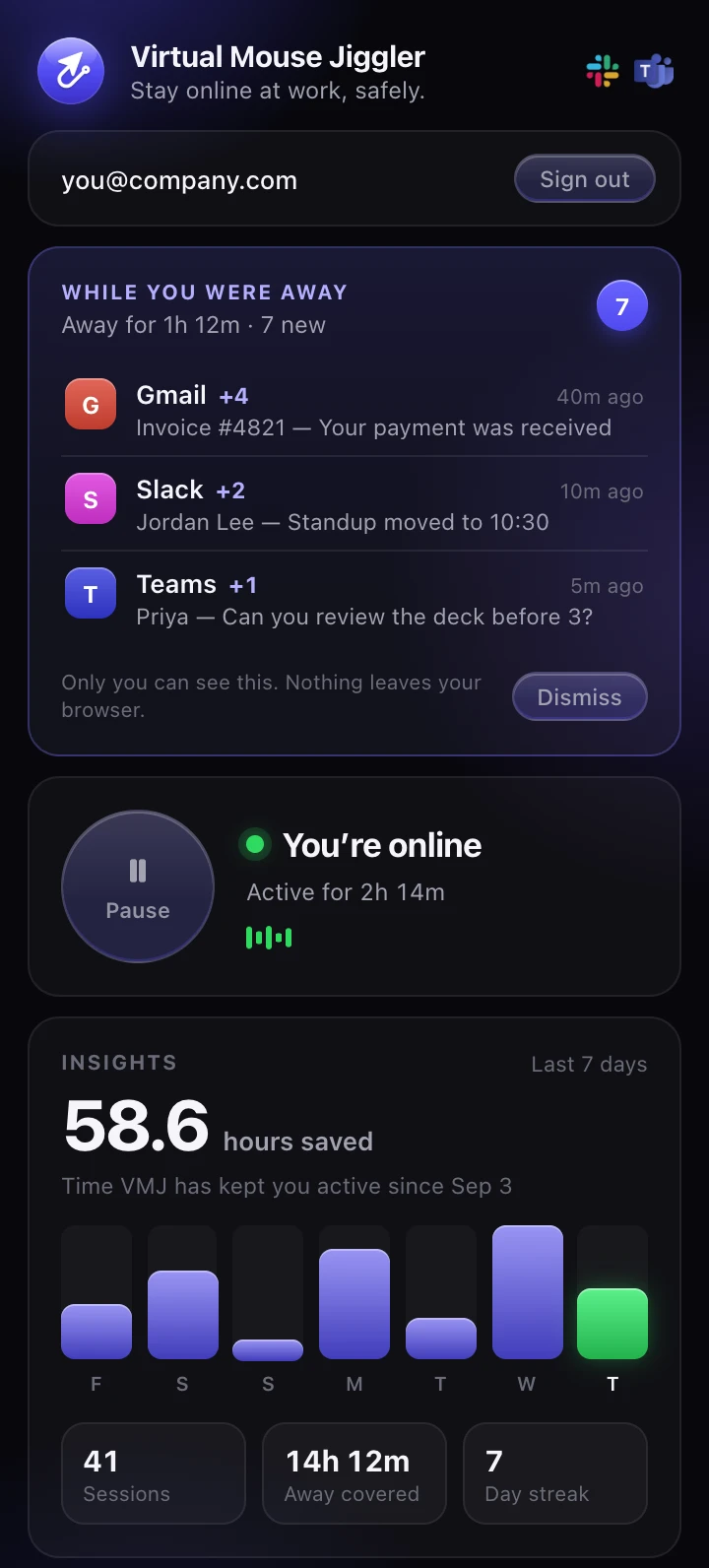
Tap the power button to stay active. The popup also shows your Away Brief and Insights, the same as the Mac and Windows apps.
The native Mac and Windows apps run in the background even when Chrome is closed. One account covers all three.