Built in
More than a jiggler.
Away Brief
Come back to a summary, not a pile.
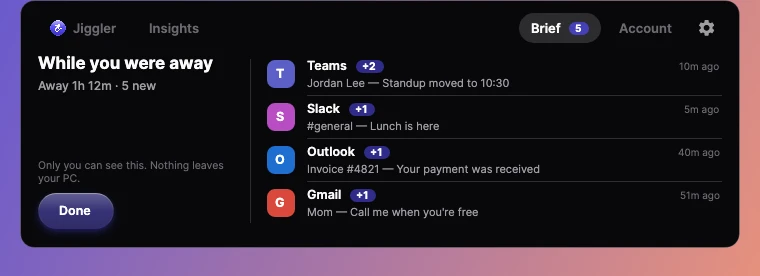
While VMJ keeps you active, it notes the notifications that arrive. When you're back, the Brief tab shows what you missed, grouped by app.
- Opens on its own when you return
- Stays on your PC. Nothing is uploaded
- Turn it off anytime in Settings
Insights
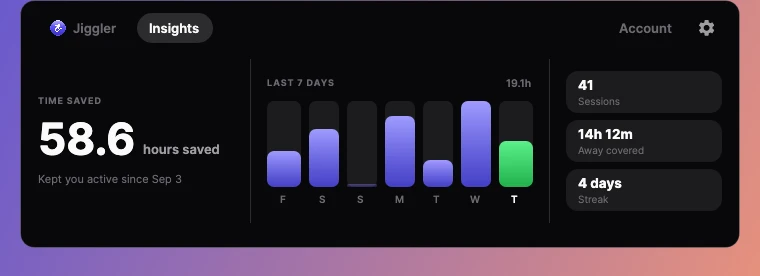
Every hour it covers, counted.
The Insights tab totals the time VMJ has kept you active, with your last seven days, the time covered while you were away, and your streak.